
Epic Games has unveiled the official Designer Track documentation series, a comprehensive guide for creating a fully functional puzzle adventure game using Unreal Engine 5.6’s visual scripting system. This tutorial takes users through grayboxing, implementing core mechanics like keys, doors, switches, and enemy AI, culminating in a polished playable level.
Unreal Engine 5.6 offers professional-grade tools for transforming game concepts into reality. For those interested in Level Design and creating compelling player experiences without heavy reliance on C++ coding, Epic Games’ documentation team has released the comprehensive Designer Track tutorial series. This track is specifically tailored for designers who want to use the engine’s powerful Visual Scripting capabilities to build complex, interactive gameplay.
The beauty of this approach lies in Blueprints, which provide a flexible scripting language allowing non-programmers to define gameplay, scripted events, and interactable elements. The Designer Track provides a step-by-step methodology, starting from initial concepts and grayboxing right up to a complete, playable puzzle adventure. It is important to note that the Unreal Engine suite is free to use for development, making this high-level Courses material highly accessible for aspiring creators.
Building Your Puzzle Adventure from the Ground Up
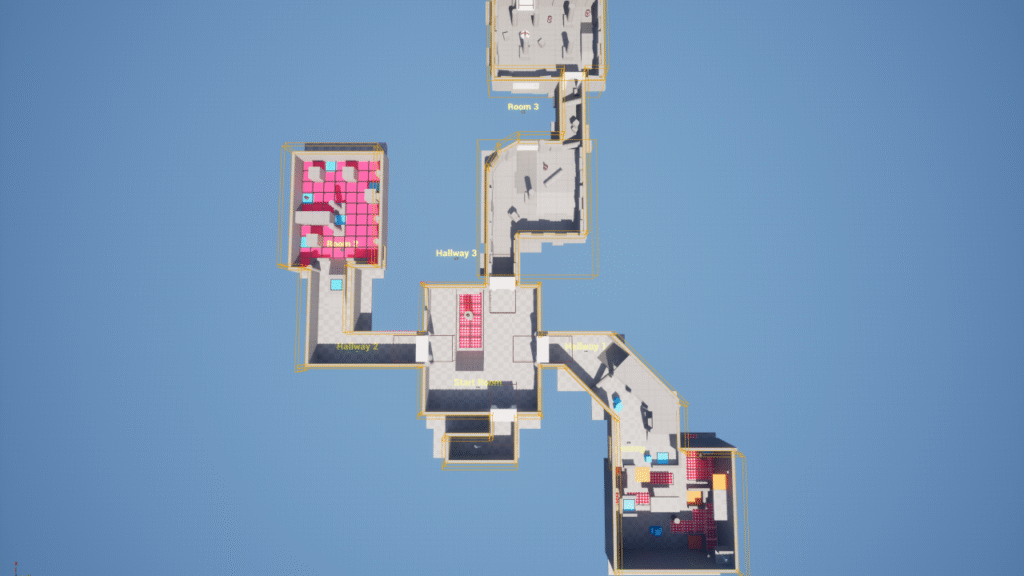
The goal of this multi-part Tutorial is to construct a fully functional puzzle game featuring multiple interconnected rooms and unique mechanics. Before diving into complex scripting, the series emphasizes the crucial initial step: grayboxing (or level blockout). This process involves prototyping the environment using simple shapes to test spatial relationships and flow before detailing assets. This early planning prevents wasted effort later in the development cycle.
The tutorials systematically guide the user through implementing key gameplay features:
Core Mechanics and Player Interaction
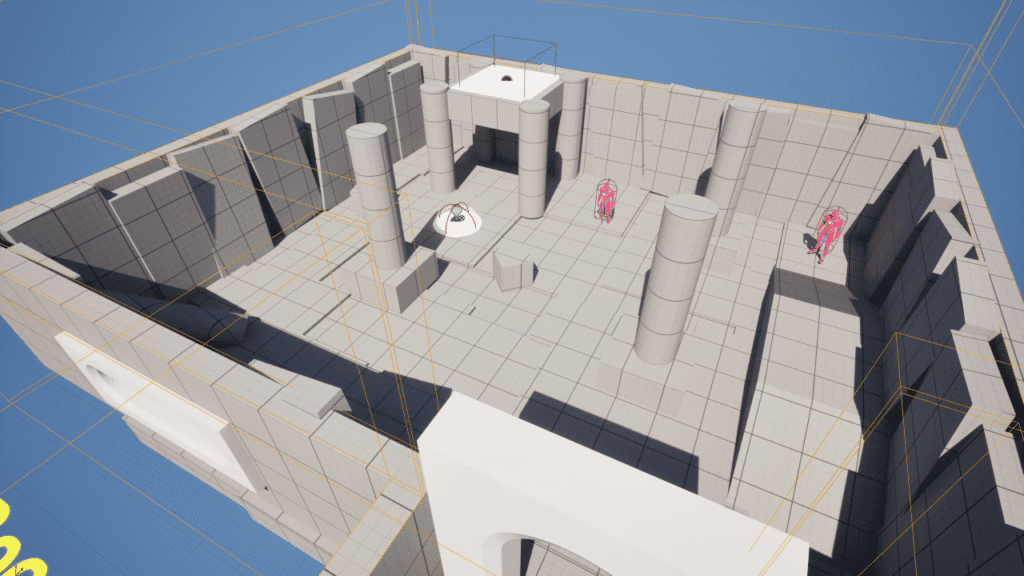
- Setup and Blockout: Begin by organizing assets and practicing viewport modes to design the level layout.
- Keys and Doors: Learn how to create items players can pick up and use Visual Scripting to configure doors that only open with the matching key.
- Heads-Up Display (HUD): Integrate the Unreal Motion Graphics (UMG) system to create a simple Interactive Design display that updates when items are collected.
Advanced Puzzle Elements and Danger
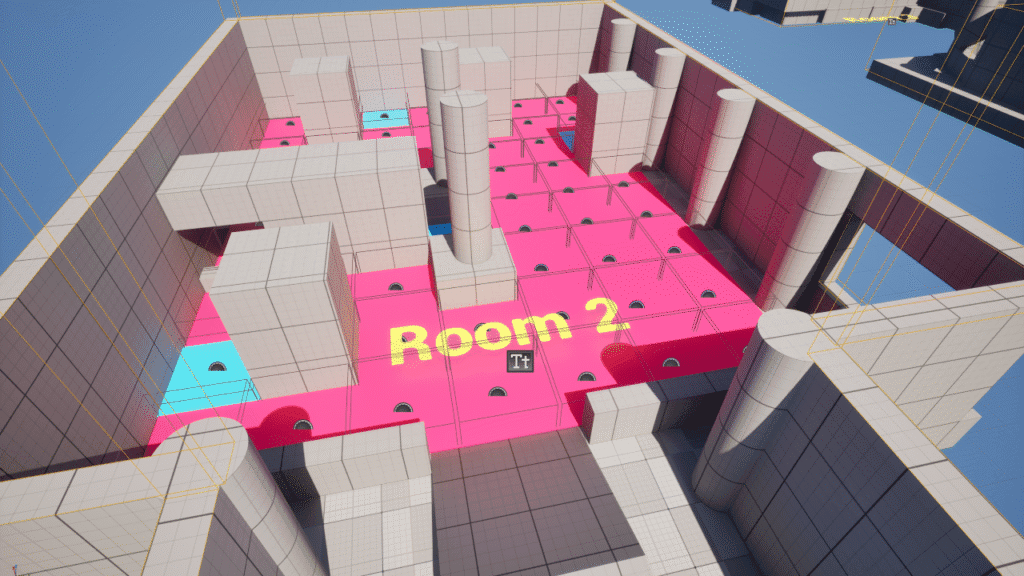
The series progresses into more challenging concepts, demonstrating how to incorporate Physics and dynamic elements:
- Cube Puzzles: The tutorial shows how to create a light switch activated by placing a cube, followed by designing moving platforms using debugging techniques.
- Traps and Damage: Introduce risk into your level by building environmental blueprints that damage the player, implementing a system for damage over time, and triggering a game-over loop upon player elimination.
- Enemy AI and Movement: Configure enemy pawns to attack the player and, conversely, add a crucial sprint mechanic to the player character to allow them a quick escape.
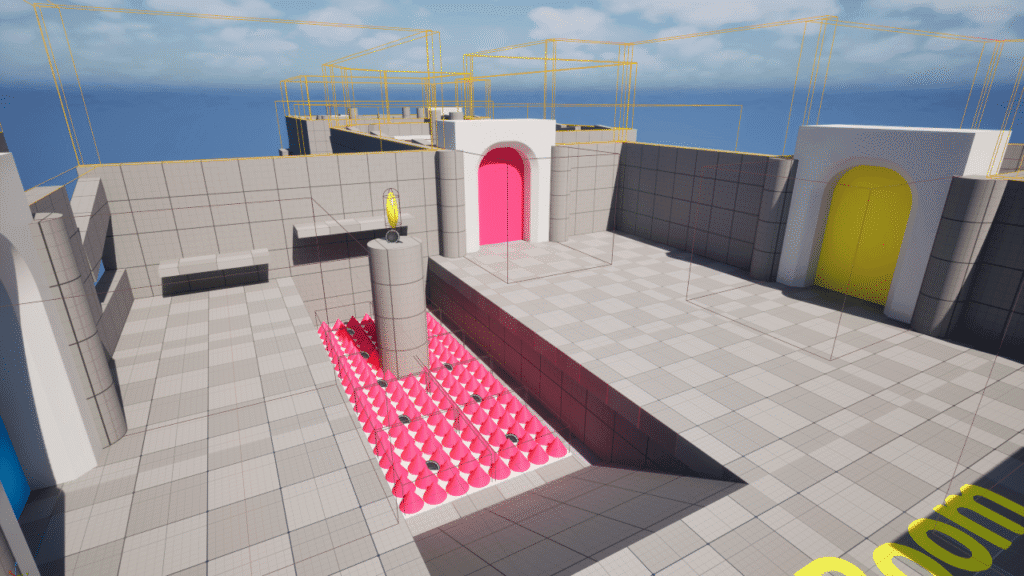
The Designer Track concludes by configuring a final end state, completing the gameplay loop and providing valuable polish techniques. For those new to the ecosystem, Epic Games recommends starting with the foundational reading material in Unreal Engine for New Users.
Accessing the Complete Project
Once finished, users will possess a fully functional puzzle game prototype. If you want a reference or shortcut, you can download the complete project files here. This allows you to inspect the final code and design choices made by the documentation team.
Conclusion
The Designer Track is an essential tutorial for aspiring Game Design specialists who prefer an iterative, visual approach to building game worlds. By mastering grayboxing and utilizing the flexibility of visual scripting, you can drastically reduce development time and immediately test your design assumptions. Whether you are focused on Creating immersive virtual worlds or simply want to explore more official tutorials on the engine, this resource from Epic Games is a proven pathway to success.
Source:
Designer Track | Unreal Engine 5.6 Documentation | Epic Developer Community



